
Electronic invoicing
Issue and receive electronic invoices, filed to the Sistema di Interscambio, without leaving the app. An add-on you can put on any plan — including Free.
Features
Spending, budgets and goals work from day one, with or without a partita IVA. Electronic invoicing, forecasts, deadlines and chat switch on when you need them: tools designed to work together, inside one private area. On the web and, now, on iPhone and Android too.


Available now
The usual spreadsheet gets opened in January and abandoned by March. Not here: you record what comes in and what goes out, split it by category, set a budget and savings goals. Monthly and yearly charts show how the business is really doing — not just what you invoiced, but what you are actually building.
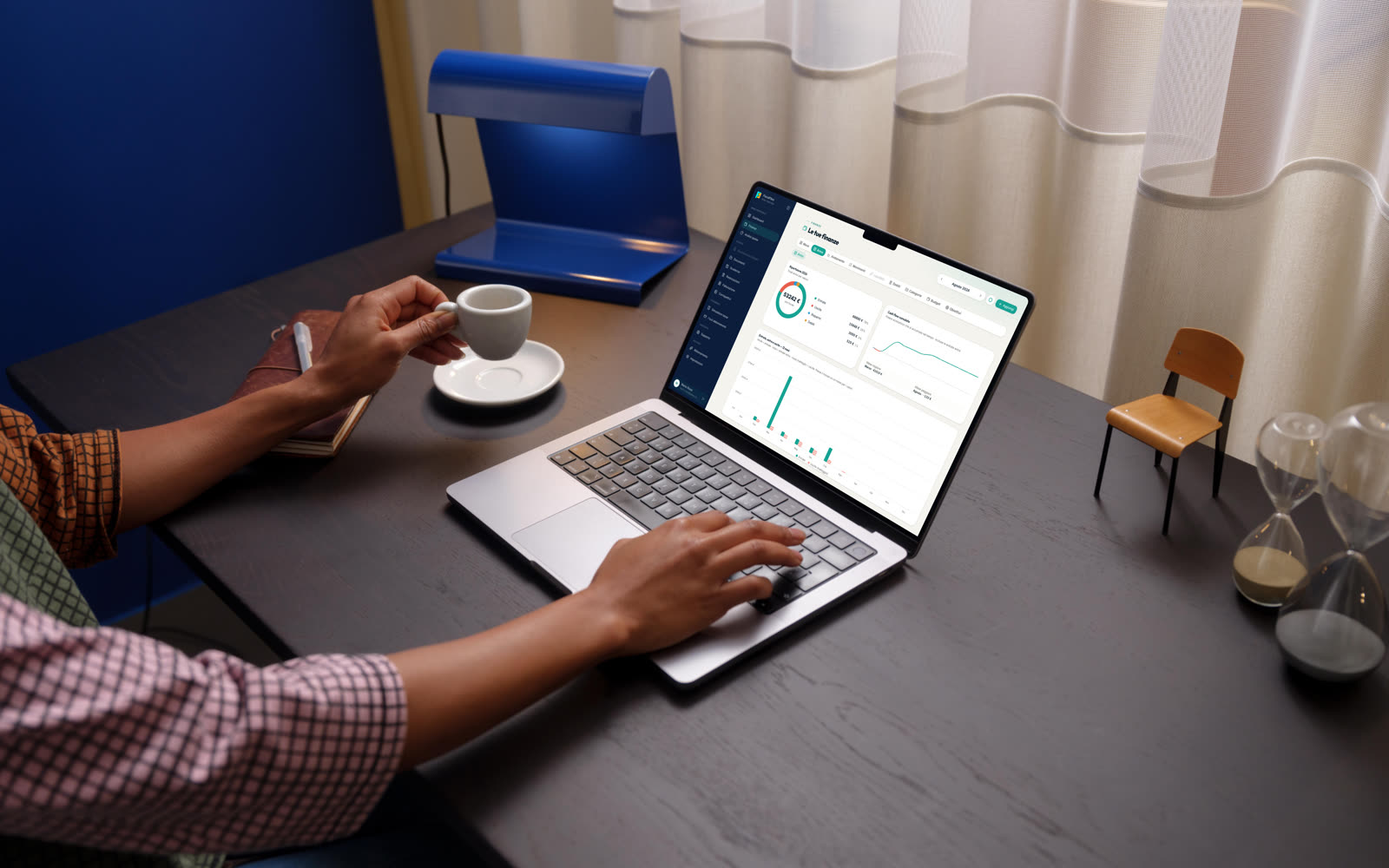
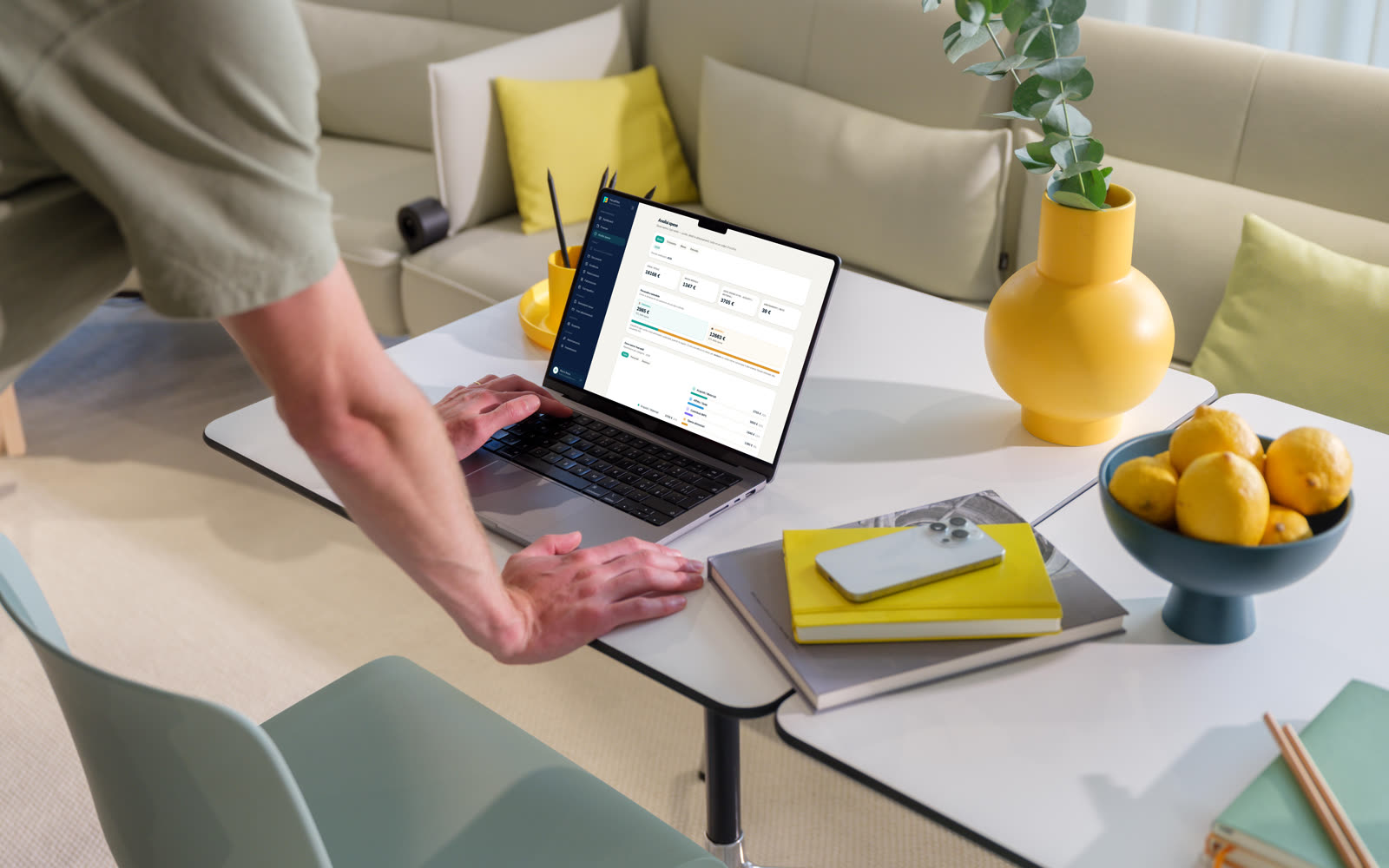
Before you get paid, you can model what an invoice really costs: what stays with you, what goes to tax, what goes to social contributions. And above all how much to set aside today so the due date doesn't catch you short. The calculation is tuned to your profile, set up by the practice.
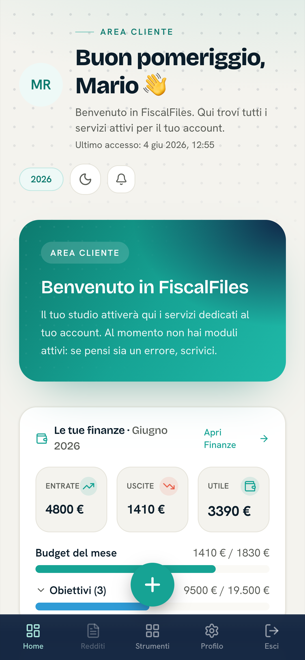
FiscalFiles is on the App Store and on Google Play: the same tools you use on your computer, in a native app for iPhone and Android. Deadlines, money and forecasts always with you — with reminders that arrive while they are still useful.


Also on the web at fiscalfiles.app.
Everything else, already in the app
From electronic invoicing to deadlines, from documents to a chat with a professional: the tools that make FiscalFiles a real management system are already in your hands.
Issue and receive electronic invoices, filed to the Sistema di Interscambio, without leaving the app. An add-on you can put on any plan — including Free.
A calendar that works for you: F24 payments, advances and filings reach you before they become a problem. The due date stops being a surprise.
Loans, mortgages, cards and instalment plans in one place: outstanding balance, next payment, amount and progress at a glance. You always know how far you have left to go.
Your tax paperwork in order and within reach: contracts, receipts, certificates. Searchable, shared with the practice, no more folders going missing.
Record your daily takings in a few taps and watch them flow automatically into your accounts and into the tax you need to set aside. No double work.
Every expense in its right place: categorised, deductible or not, ready for your accountant and for your own decisions. Deductibility stops being a guess.
A direct line to a professional who follows your file: questions, doubts and documents get answered inside the app. Scattered emails become one conversation.
Coming soon
Import your bank transactions automatically instead of typing them in: incoming payments become entries and draft invoices on their own.
Bring FiscalFiles into your practice and manage all your clients from one dashboard. They use the full app, you see the big picture.
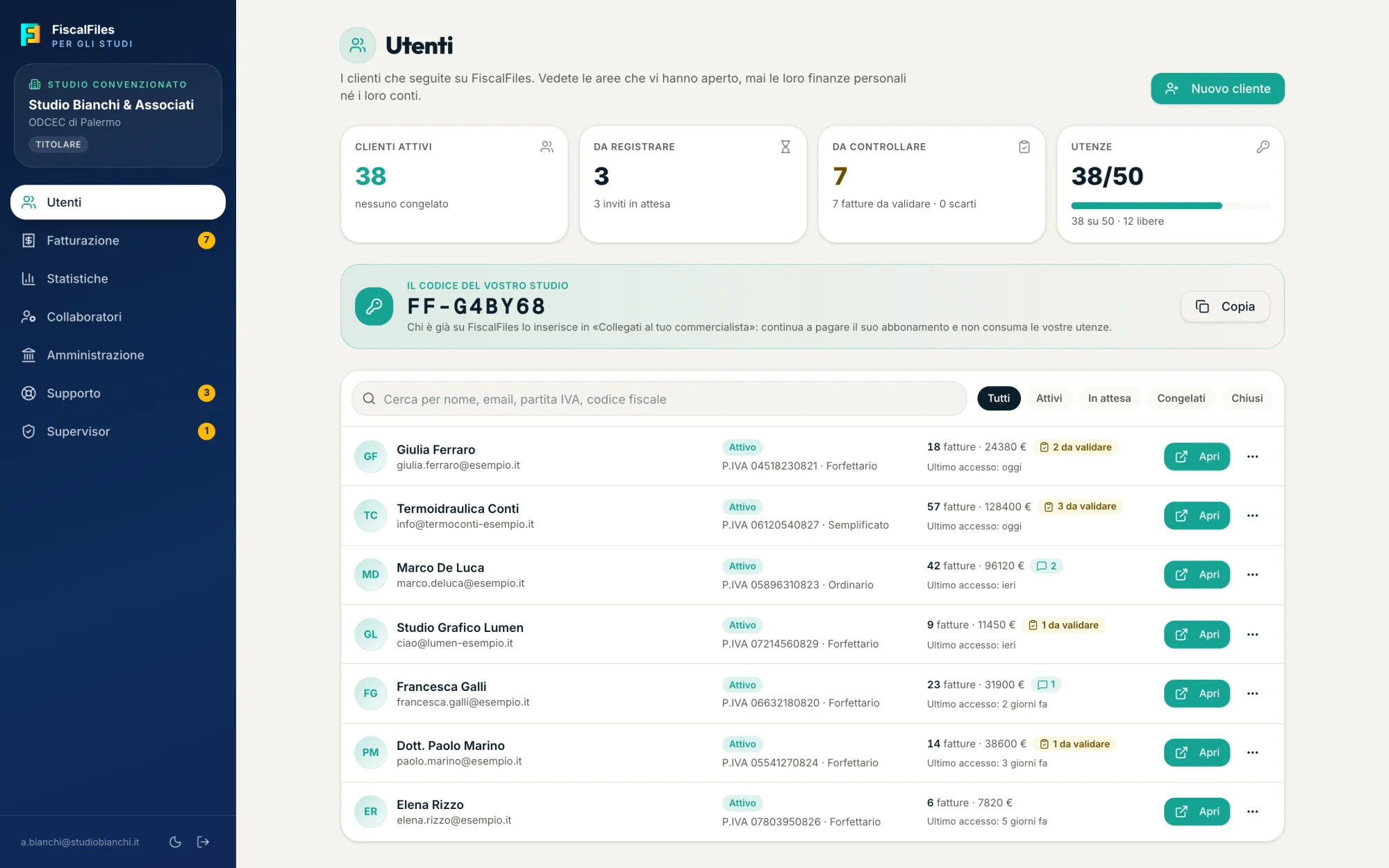
Download it on your phone, or leave us a line: we'll explain how to get in and start putting your numbers in order.